Products reviews
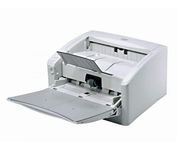
Canon DR4010C$1,968.00 to $3,200.00
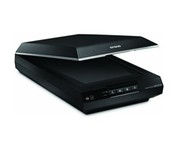
Tags:canon, dr4010c, | Epson Perfection v600$212.00 to $378.00
Tags:epson, perfection, v600, |
Kodak i1440
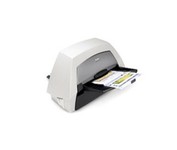
With the ability to handle virtually all your documents, regardless of shape, size or condition, the KODAK i1440 Scanner brings awesome productivity, flexibility, ease of use and enhanced Perfect Page image quality to your tabletop business scanning.
Canon 220P
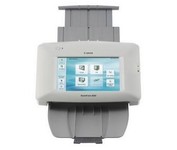
The ScanFront 220P is a LTR-size color duplex network scanner featuring a large 8.5 inch color touch screen, capable of fast, high quality scanning up to 26 pages per minute (35 ipm).
Canon DR2010C
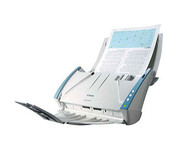
Introduce the DR-2010C into your business and you’ll find a whole host of powerful functionality delivering high productivity scanning for groups of users or whole departments.
Canon CanoScan LiDE100
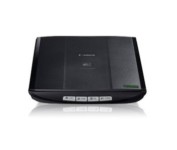
This is simple, high-performance scanning at its best. Four easy buttons automate the entire process, and the new Auto Scan mode makes it even easier: It actually detects the type of original you're scanning—a photo, business card, notebook or form—automatically adjusts settings for the optimal results, then scans and saves the image.Minimize
